A second Android life, living rent-free
VMOS PRO is an Android virtualization app that creates a separate Android system inside your existing device. That virtual space runs independently from the host, which gives users a useful sandbox for testing apps, separating accounts, or trying root-based features without changing the main system. Its biggest draw is flexibility, though that flexibility comes with a clear cost in battery use, memory load, and overall device performance.
Top Recommended Alternative

More than an app cloner
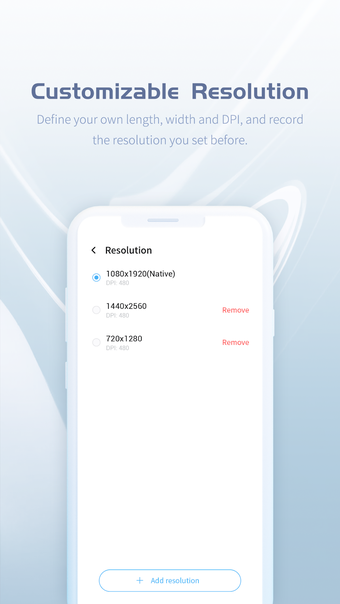
What makes VMOS PRO interesting is that it feels closer to a full virtual Android environment than a standard app duplication tool. The virtual system can run as its own guest space, supports root inside the VM, and can include access to Google services in supported builds. File transfer between the host and guest also adds practical value, especially for users who want to move apps or media without leaving the sandboxed setup.
Built for testing, multitasking, and extra accounts
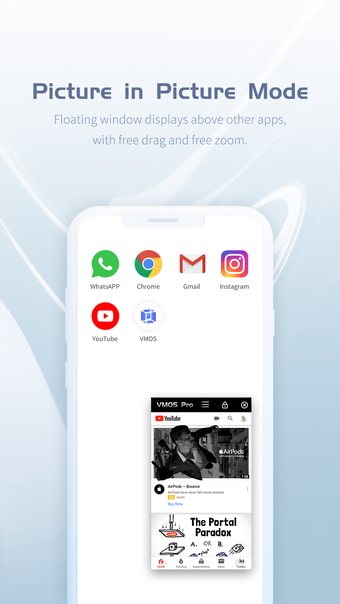
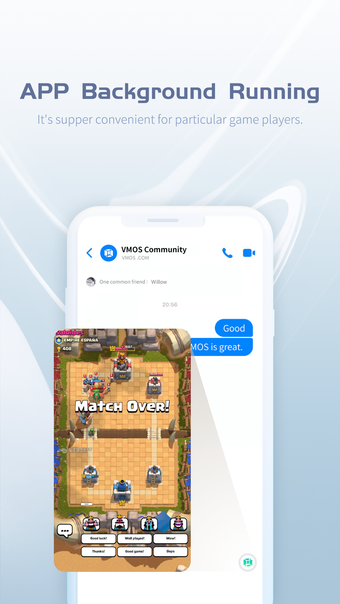
This setup makes the app useful for several different kinds of users. Developers can use it as an Android sandbox app for testing, while gamers and power users can keep separate accounts or sessions away from the main system. The floating-window feature makes multitasking easier, and the ability to keep the VM active beyond a simple foreground session adds even more flexibility. The tradeoff is that persistent use can put real pressure on the host device.
Powerful idea, heavy footprint
VMOS PRO is not light software. Official guidance says it needs meaningful free storage and benefits from stronger hardware, which matches the app’s real-world demands. Running a second Android system can increase battery drain, memory use, and general slowdown, especially on weaker phones. Support for multiple downloadable ROM options adds flexibility, but the core experience still depends heavily on how much your device can handle without struggling.
Great sandbox, demanding roommate
The app’s value is easy to understand. It gives users a separate Android space with more freedom than most clone apps, and that makes it genuinely useful for testing, isolation, and account management. At the same time, it asks a lot from the host device, so the best experience belongs to users with capable hardware and a clear reason to need a virtual machine on mobile in the first place.